RAIL TYPING
Type your way across real rail networks
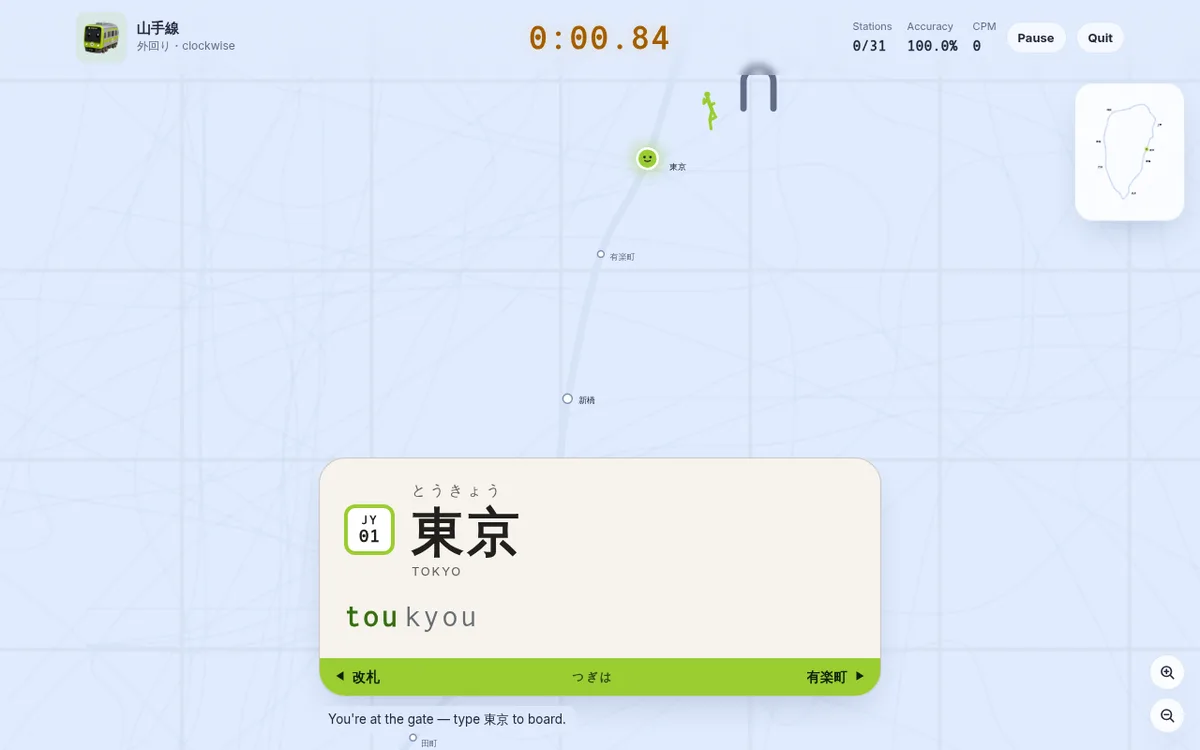
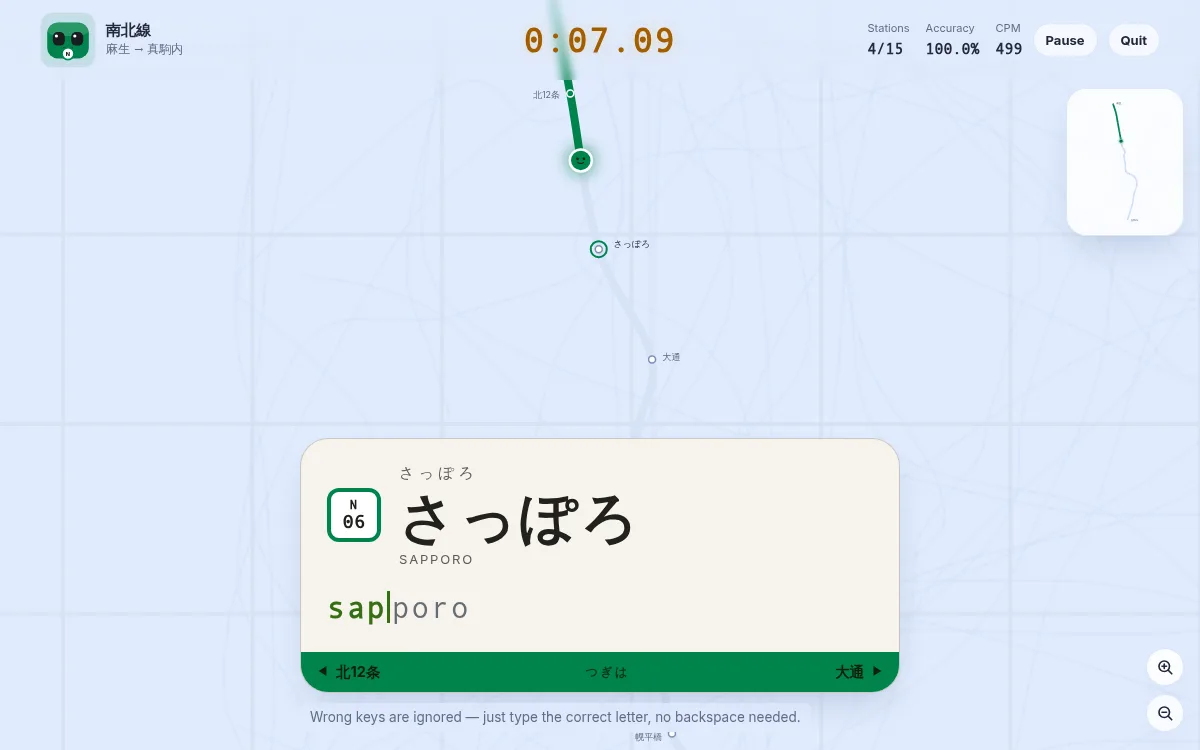
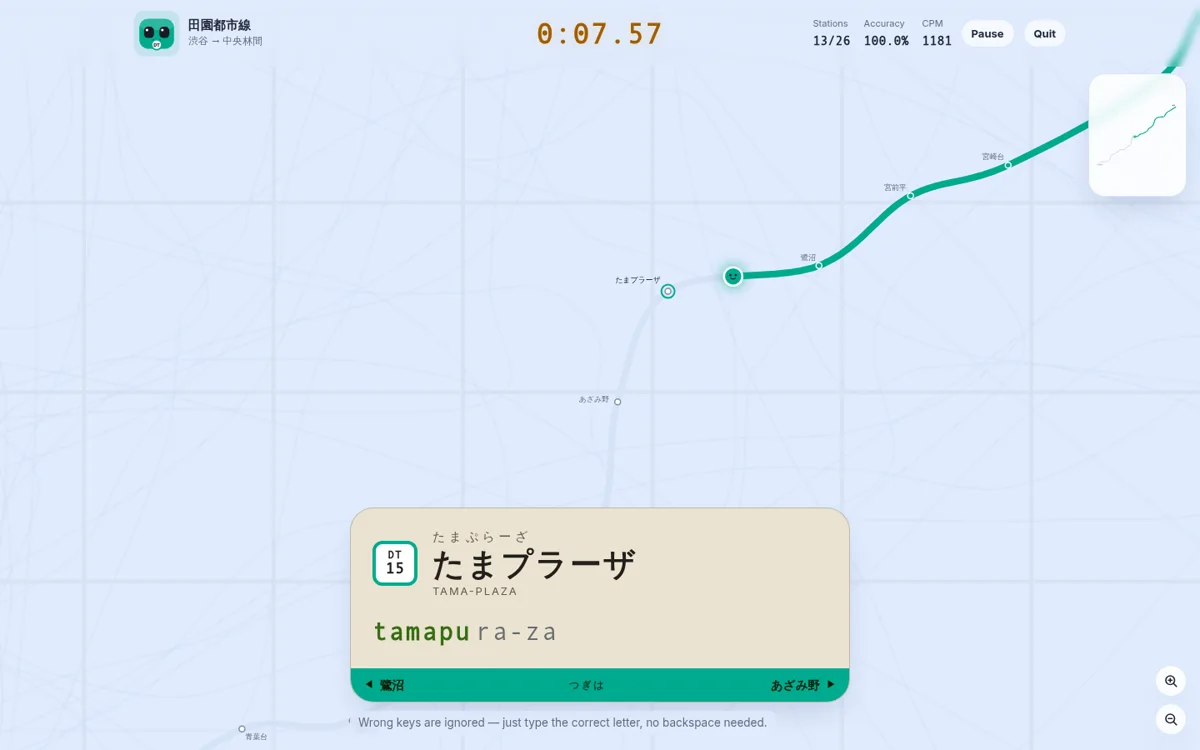
Pick a line, tap in like you're through the gate, then type each station in turn — every correct key nudges the train one stop further. Finish the line and you get your time, CPM, accuracy and a split for every station. Tokyo, Osaka, Kyoto, Sapporo and London, typed in romaji, kana, kanji or English.
- Lines
- 61
- Stations
- 1,259
- Cities
- 5
- Input modes
- 4
Five cities, one keyboard
Each network keeps its own character rather than being flattened into one house style — Japanese lines are typed as romaji, kana or kanji and signed the way their operators sign them; the London Underground is typed as its own English names, roundel and all.
Start with one of these ten
A flagship from each city, ten routes in all. Every card is its own map — tap one and the run starts on that line; the full guides live in the gallery below.
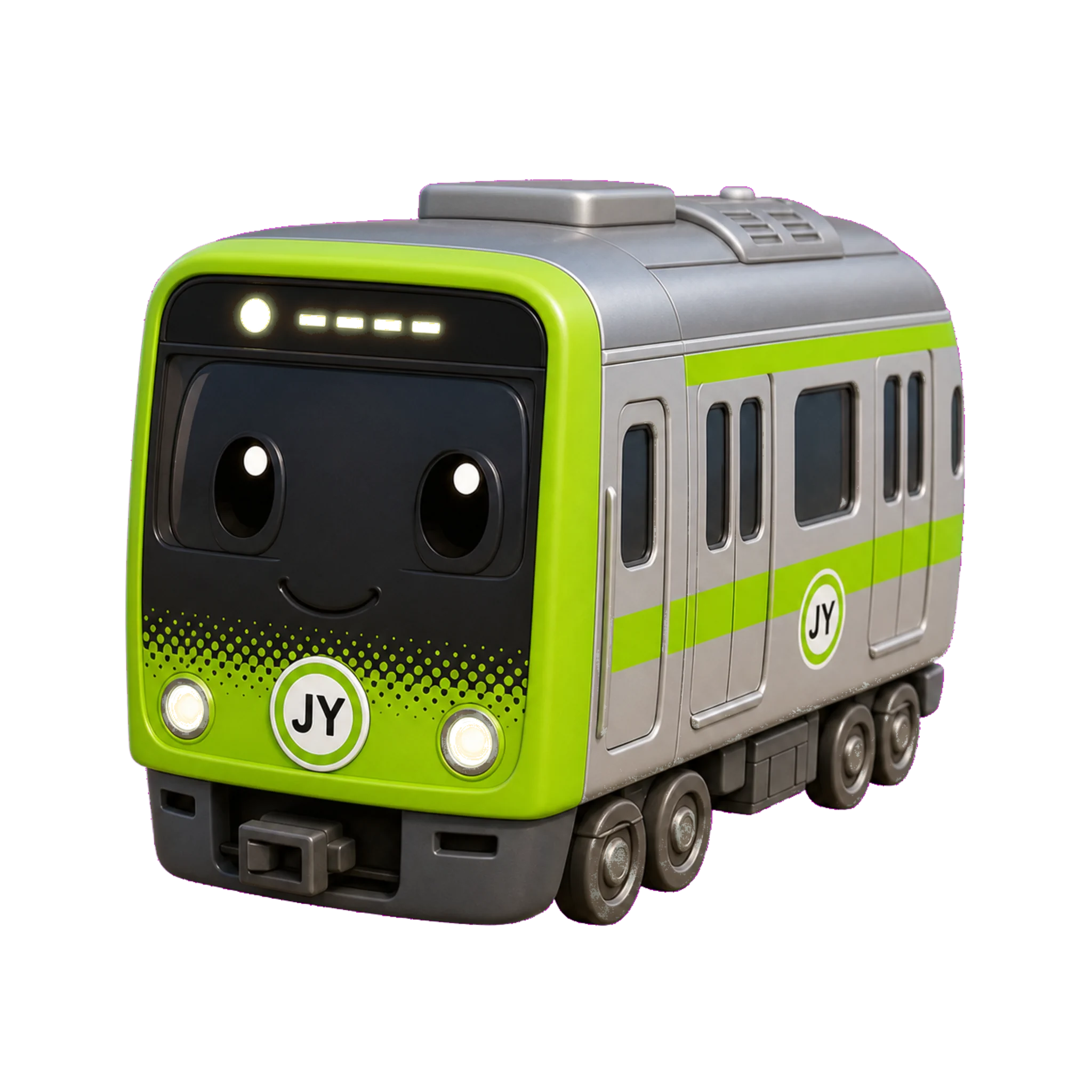
JR East
Play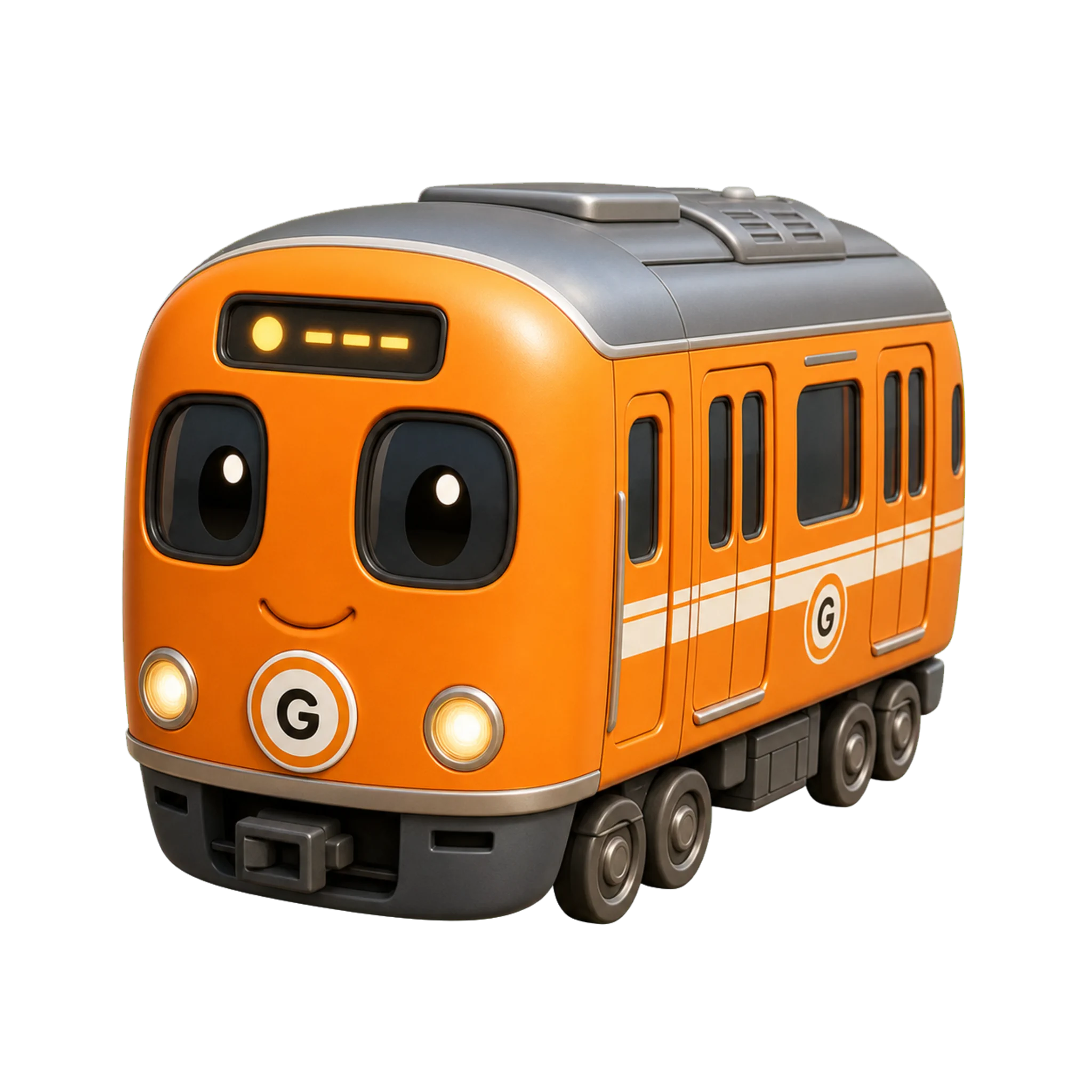
Tokyo Metro
Play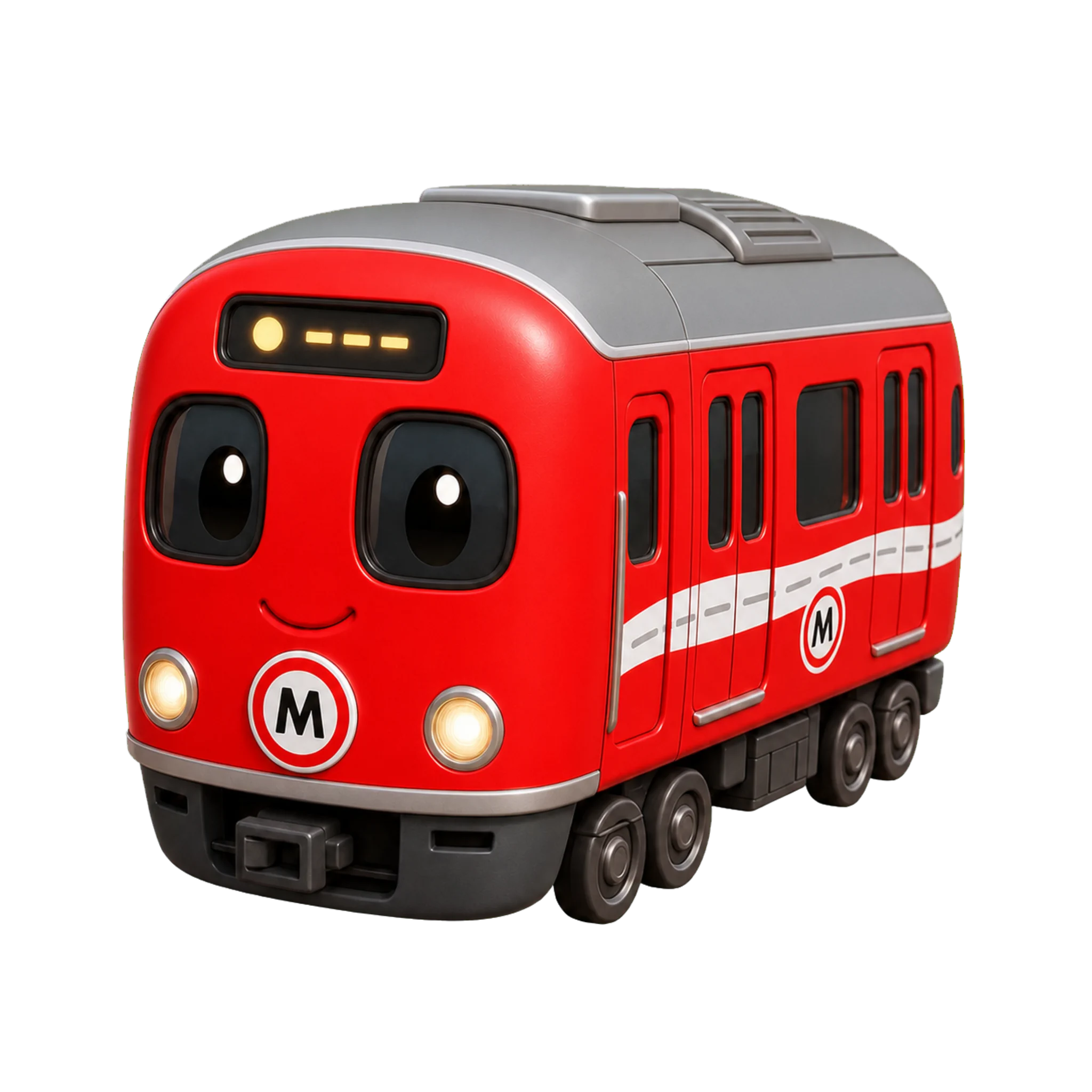
Tokyo Metro
Play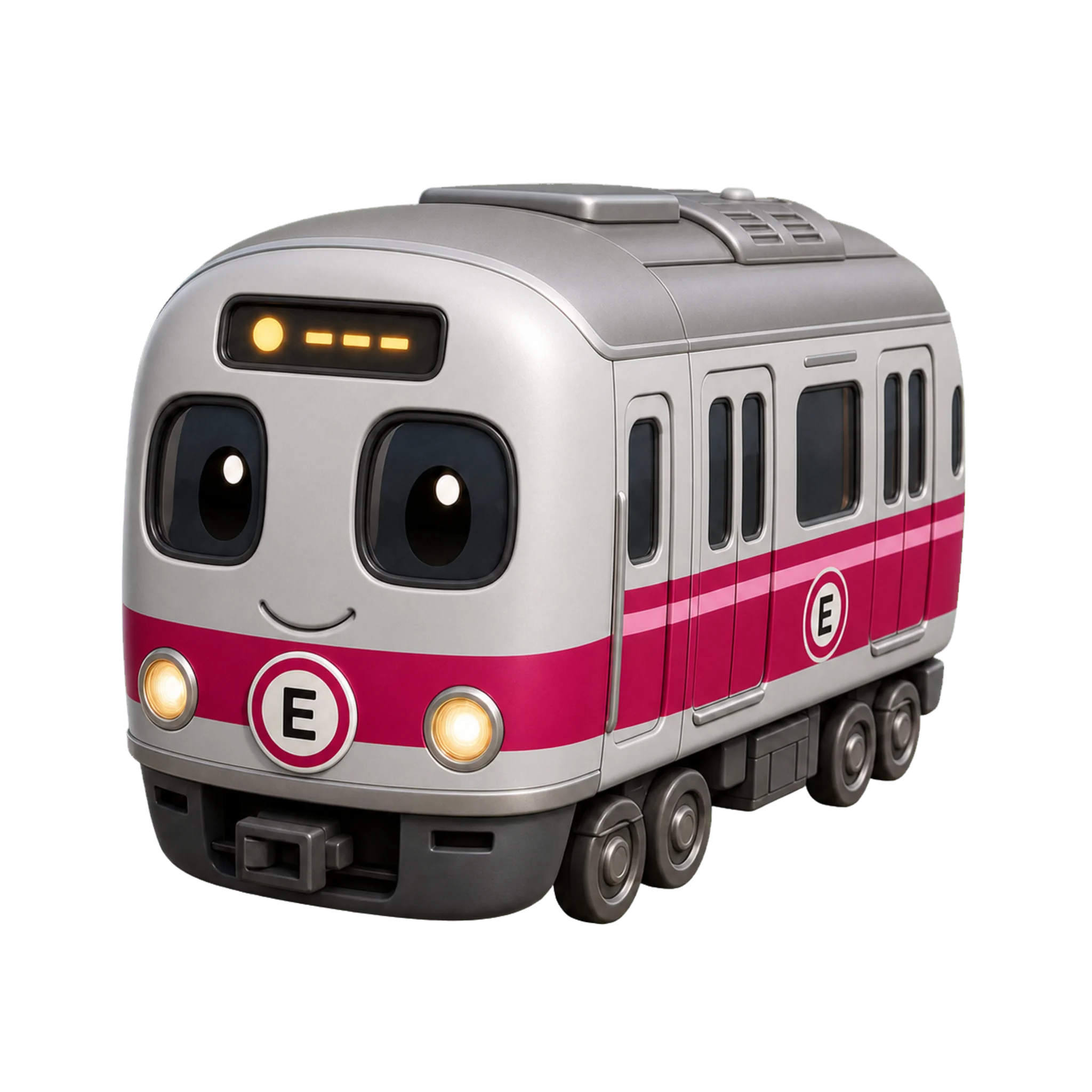
Toei Subway
Play
Tokyu Railways
Play
Osaka Metro
Play
JR West
Play
Kyoto Municipal Subway
Play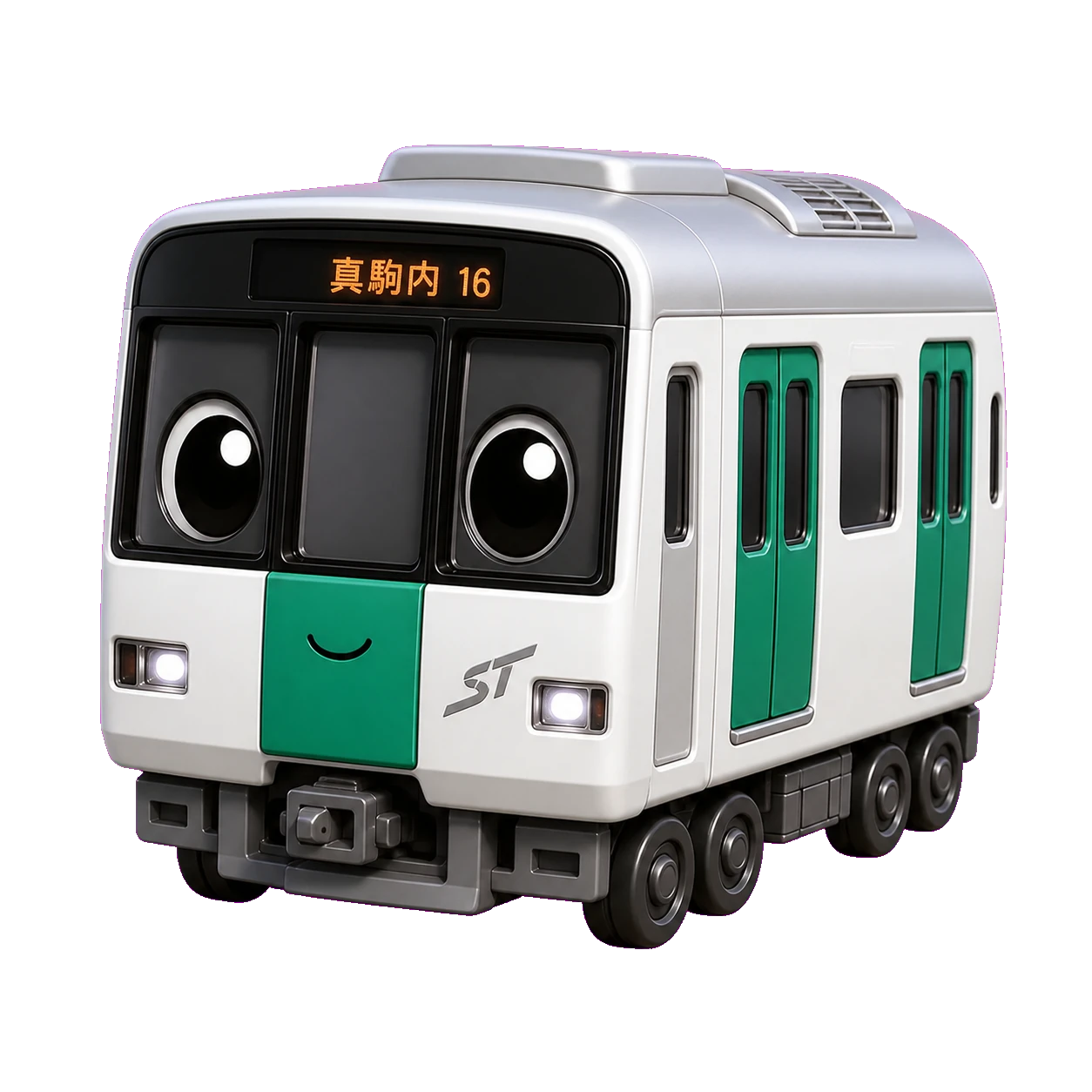
Sapporo Municipal Subway
Play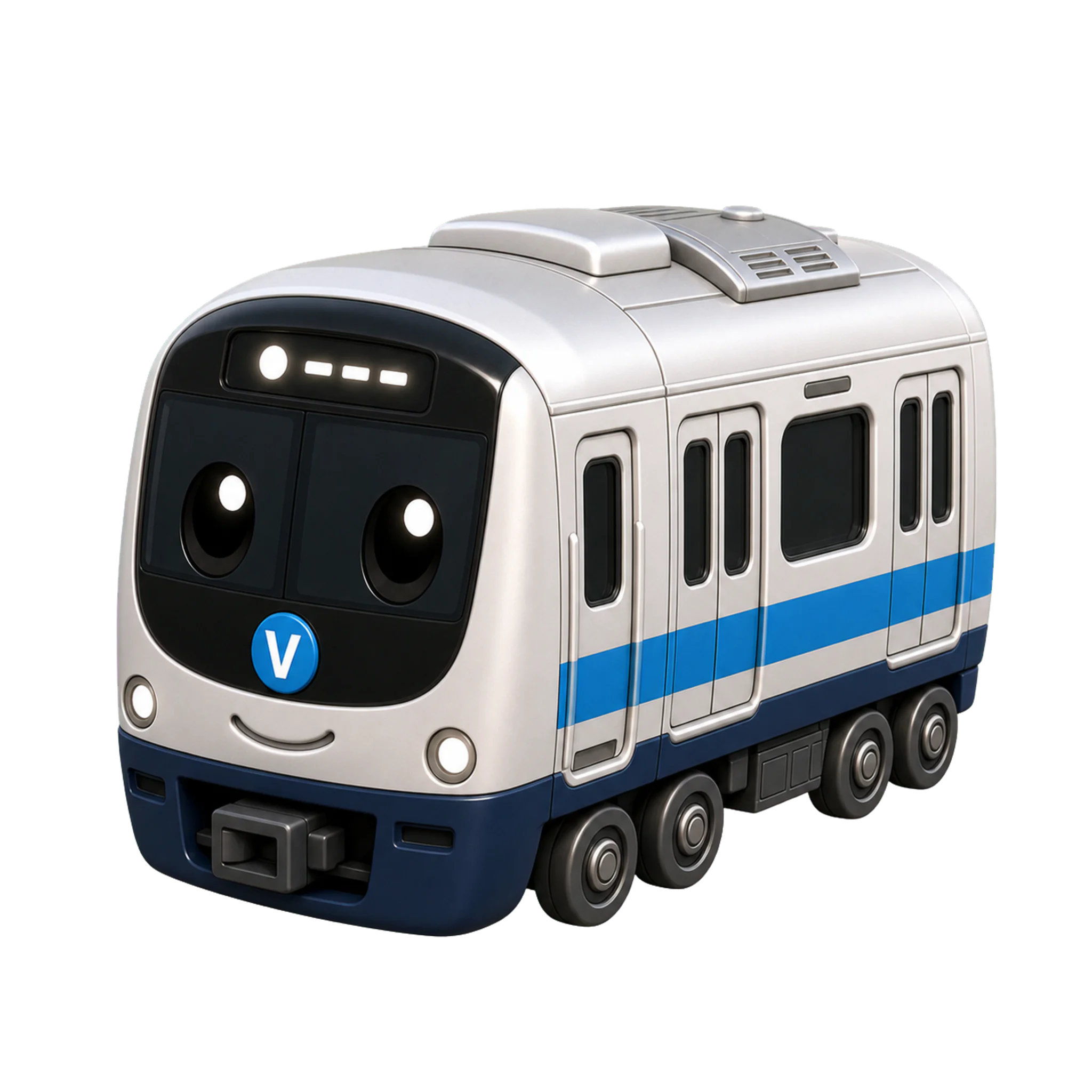
London Underground
PlayThree steps to departure
No sign-up, no install. Open a line and you are typing within seconds.
Pick a line & direction
Any line on the map. Go 外回り (clockwise) or 内回り (counterclockwise) on a loop, or choose which terminal you are heading for on a line that runs end to end.
Type to advance
The next station's sign lights up — type its name. A wrong key simply doesn't move the train, so there is nothing to backspace and nothing to undo.
Finish & review
Loop back to where you started, or reach the last stop: total time, WPM, accuracy and a split for every station, alongside your personal best and that line's leaderboard.
Four ways to type a station
The mode you pick changes both what appears on the sign and what your fingers actually do. Each one is scored on its own leaderboard, so a romaji run is never ranked against a kanji one.
Romaji
shibuya
Japanese station names in Latin letters. Every accepted spelling works — shi or si, tsu or tu, sha or sya — so you never end up fighting the engine over a variant. No Japanese needed to start.
Romaji tableKana
しぶや
Still typed on a normal keyboard, but the sign fills in kana as you go, one mora at a time. No IME is involved, so nothing auto-converts to kanji behind your back.
Kana trainerKanji
渋谷
Your real IME, the way you would type Japanese anywhere else. The game matches each committed conversion against the station's kanji name, segment by segment.
See a kanji lineEnglish
Oxford Circus
London Underground stations are typed as their own names. Apostrophes, hyphens and dots are optional, & is typed as "and", and case is ignored.
See a London line
Everything on the site
Beyond the game itself: planning tools, reference tables and practice drills — all built on the same station data the game runs on, so nothing here can drift out of sync with what you actually type.
Route planner
Plan a real trip across a city, transfers and all, then type the whole route station by station.
Route maps
Schematic maps for every line, grouped by city and operator.
Line guides
One article per line: station lists in kanji, kana and romaji, interchanges, and typing notes.
Typing test
A timed test on station names — a quick read on WPM and accuracy without committing to a full run.
Kana trainer
Drill hiragana and katakana on their own until the readings arrive without thinking.
Romaji table
Every mora with all the spellings the engine accepts, Hepburn and Kunrei side by side.
Keyboard tester
Check every key on an ANSI or JIS layout — stuck keys, ghosting and auto-repeat included.
Weakness drill
Practise the exact morae you keep missing, rebuilt from your own run history.
Stamp book
Clear a line end to end to collect its stamp, and watch the network fill in.
From the blog
Notes on typing technique, on the networks themselves, and on what goes into building the game.
The next train is already on the platform
Free, no account required, and playable in five languages. Sign in only if you want your runs, personal bests and stamps to follow you between devices.
Play now